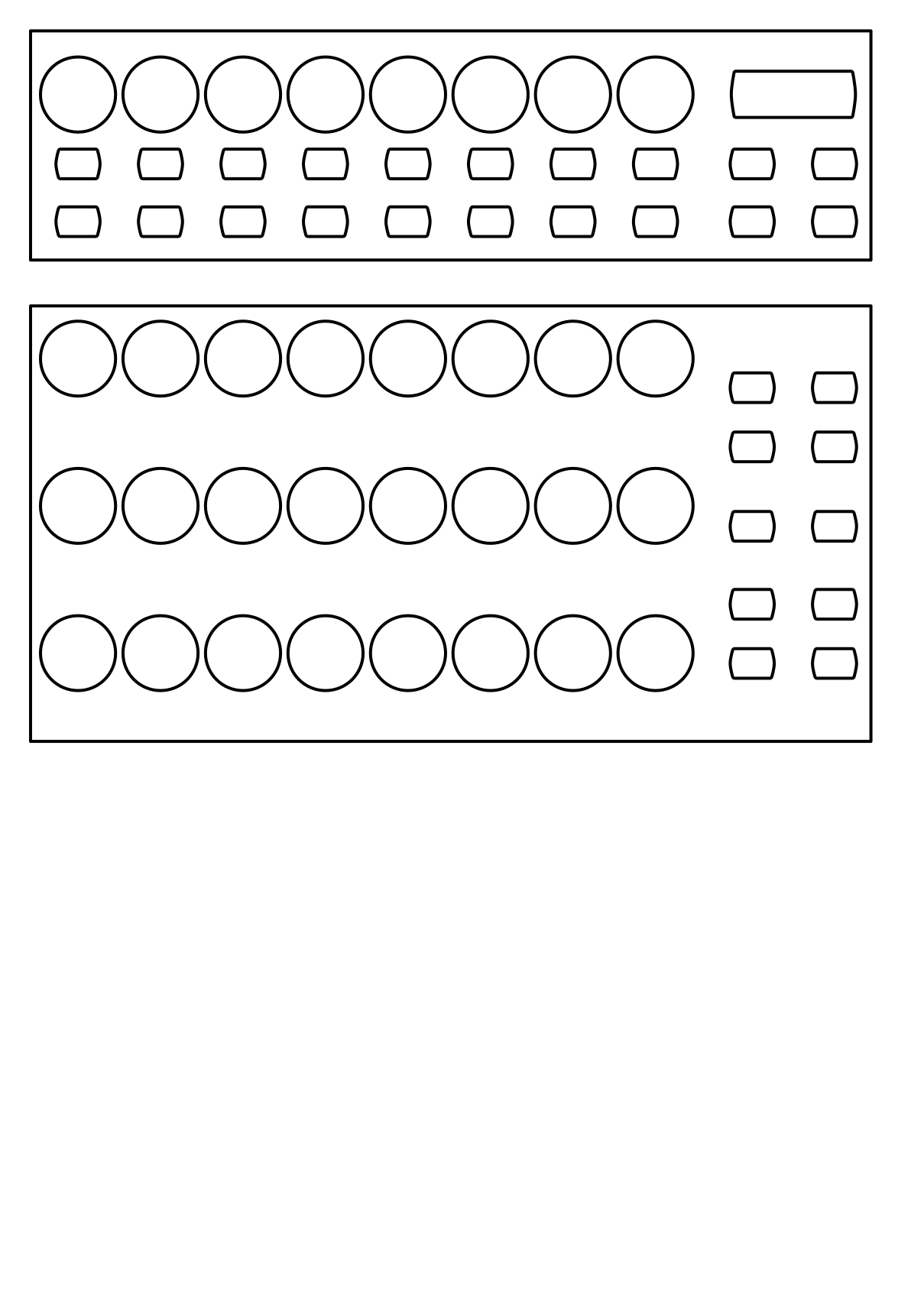
Behringer BCR2000
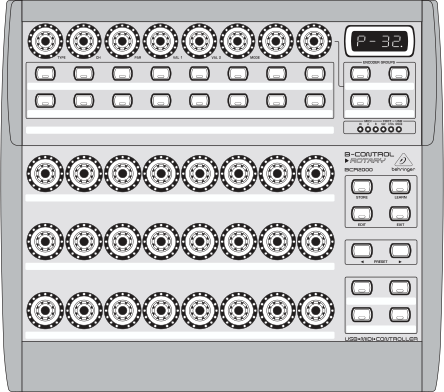
Behringer BCR2000 (schematic view)
The B-CONTROL BCR2000 is a general-purpose USB MIDI controller containing 20 buttons, 24 rotary encoders and 8 push encoders. Every control is backed by LEDs that show the current value. As a pure MIDI controller it contains no interfaces for audio or microphones.
The controller can be be configured extensively. It offers 32 presets that may be programmed by the user.
Novo na versão 2.3.
Compatibility
This controller is a class compliant USB MIDI and audio device, so it can be used without any special drivers on GNU/Linux, Mac OS X, and Windows.
Setup
Controller Preset
The default mapping works out-of-the-box for the factory settings of controller preset 1.
If you don’t want to use this preset, you can choose one of the following options:
Load the dump file
bcr_Only_Controllers.syxvia Sysex to any other preset slot and update the preset number in theinitfunction in the fileBehringer-BCR2000-scripts.js. The dump file and instructions how to install it in the controller is available on the manufacturer’s webpage.Factory reset the controller.
Mapping Description
The BCR2000 is a general purpose controller that allows different mappings.
The file Behringer-BCR2000-scripts.js contains a default mapping which works
out-of-the-box for a factory-reset controller, but may be customized freely according to your needs.
The controls are divided into five parts:
Top left area (4 push encoders + 4 buttons): loop, reverse & pitch controls for Deck 1
Top right area (4 push encoders + 4 buttons): loop, reverse & pitch controls for Deck 2
Middle left area (4 buttons + 4 encoders): controls for Effect Unit 1
Middle right area (4 buttons + 4 encoders): controls for Effect Unit 2
Bottom right area (4 buttons): controls for assignment of effect units to decks
Control |
Description |
||
|---|---|---|---|
Location |
Affects |
Hardware control |
|
Push Encoder Row |
Deck 1 |
Encoder 1 (TYPE) |
|
Deck 2 |
Encoder 5 (VAL 2) |
||
Deck 1 |
Encoder 2 (CH) |
|
|
Deck 2 |
Encoder 6 (VAL 2) |
||
Deck 1 |
Encoder 3 (PAR) |
|
|
Deck 2 |
Encoder 7 |
||
Deck 1 |
Encoder 4 (VAL 1) |
|
|
Deck 2 |
Encoder 8 |
||
Button Row 1 |
Deck 1 |
Button 1 |
|
Deck 2 |
Button 5 |
||
Deck 1 |
Button 2 |
|
|
Deck 2 |
Button 6 |
||
Deck 1 |
Button 3 |
|
|
Deck 2 |
Button 7 |
||
All controls |
Button 4 |
Nota Both Shift buttons have the same effect, they are not deck-specific. This design decision was made to keep the layout symmetric so that you don’t have to press a button on the left side when you’re working on the right side. |
|
All controls |
Button 8 |
||
Button Row 2 |
Effect Unit 1 |
Button 1 |
|
Effect Unit 2 |
Button 5 |
||
Effect Unit 1 |
Button 2 |
|
|
Effect Unit 2 |
Button 6 |
||
Effect Unit 1 |
Button 3 |
|
|
Effect Unit 2 |
Button 7 |
||
Effect Unit 1 |
Button 4 |
|
|
Effect Unit 2 |
Button 8 |
||
Encoder Row 1 |
Effect Unit 1 |
Encoder 1 |
|
Effect Unit 2 |
Encoder 5 |
||
Effect Unit 1 |
Encoder 2 |
|
|
Effect Unit 2 |
Encoder 6 |
||
Effect Unit 1 |
Encoder 3 |
|
|
Effect Unit 2 |
Encoder 7 |
||
Effect Unit 1 |
Encoder 4 |
|
|
Effect Unit 2 |
Encoder 8 |
||
Button Box Row 1 |
Deck 1 |
Left Button |
|
Deck 2 |
Right Button |
||
Button Box Row 2 |
Deck 1 |
Left Button |
|
Deck 2 |
Right Button |
||
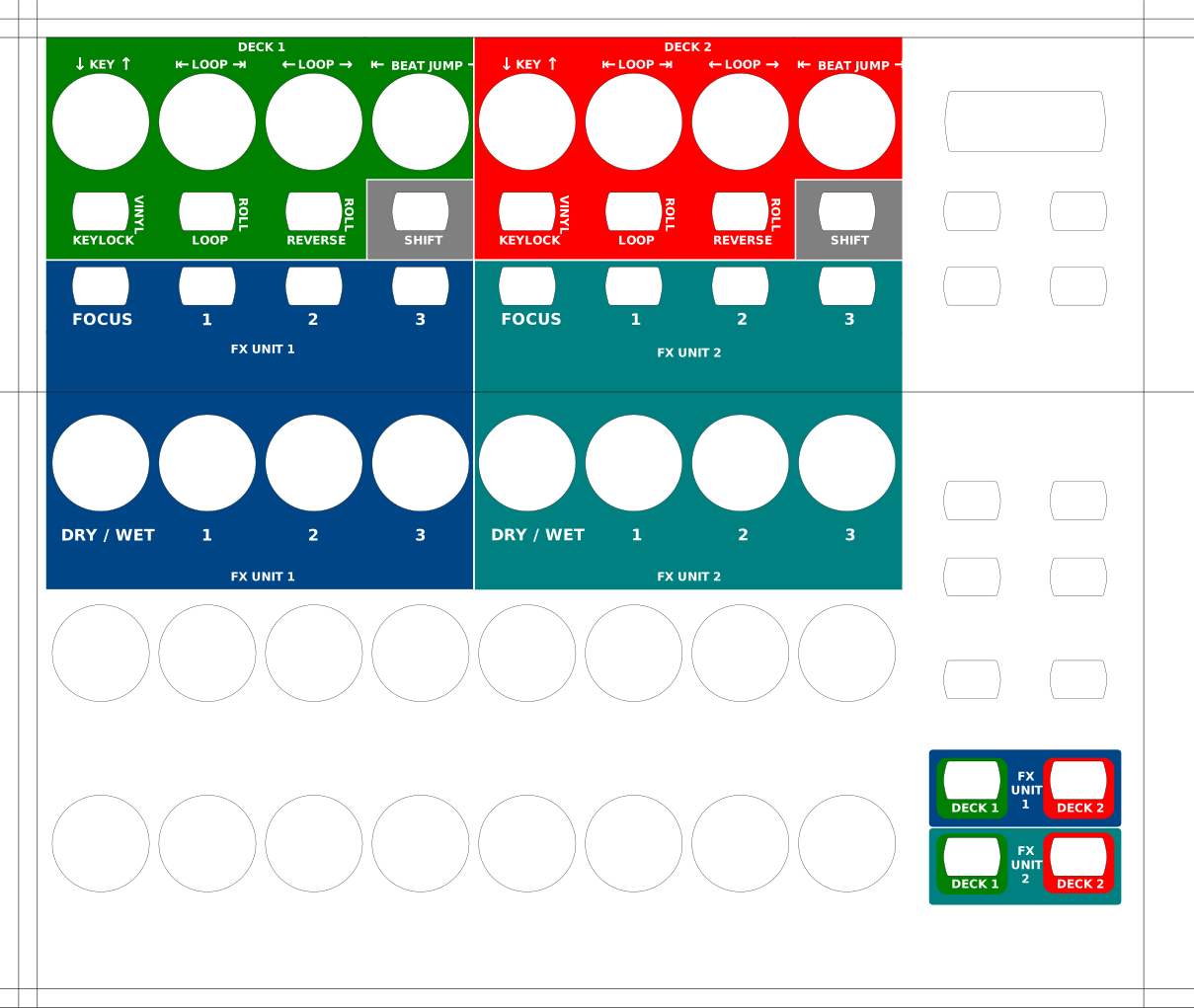
Overlay
Overlay to print on cardboard or paper for lamination: